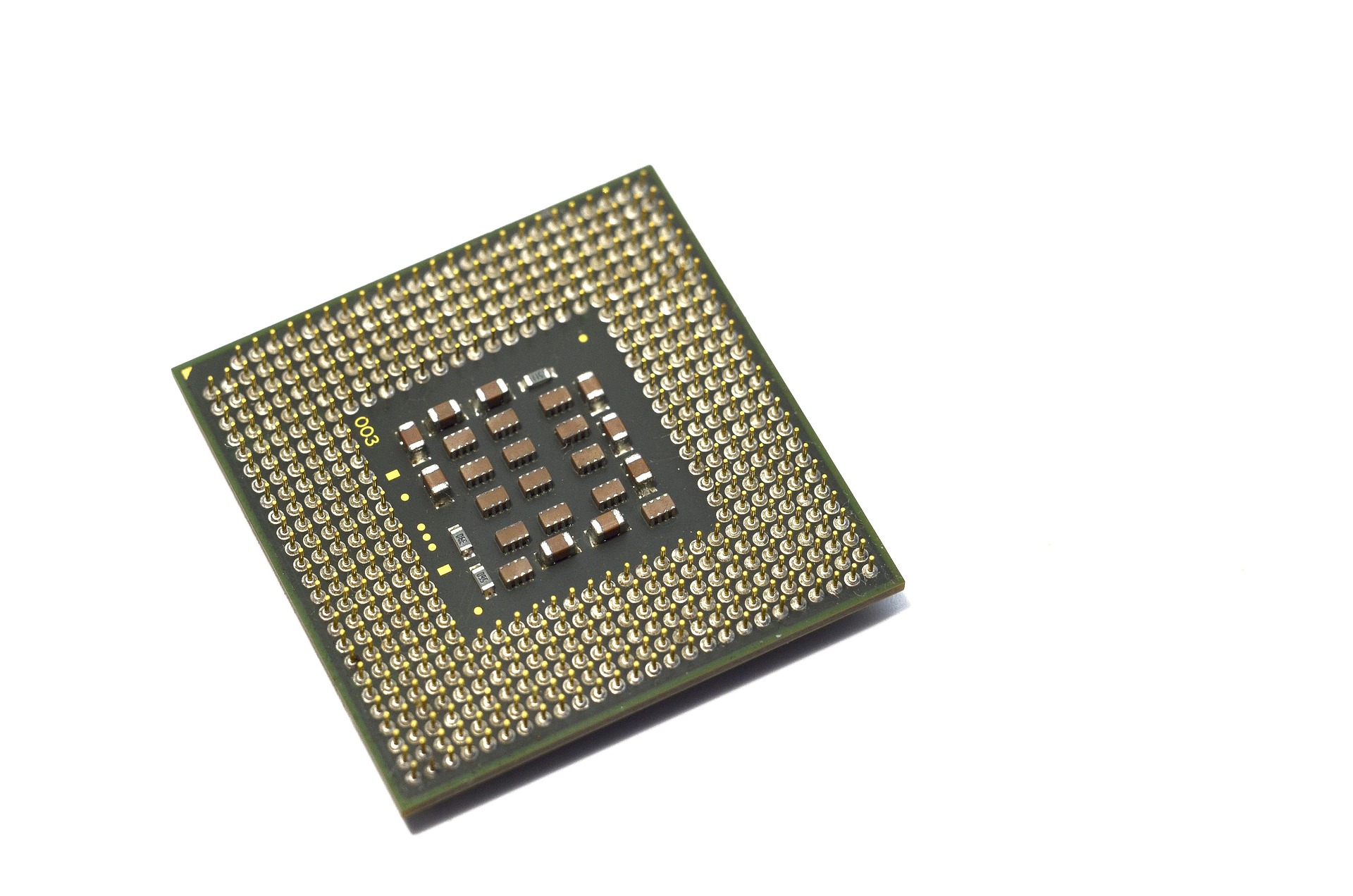
underside of cpu

Core Components

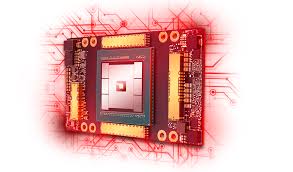
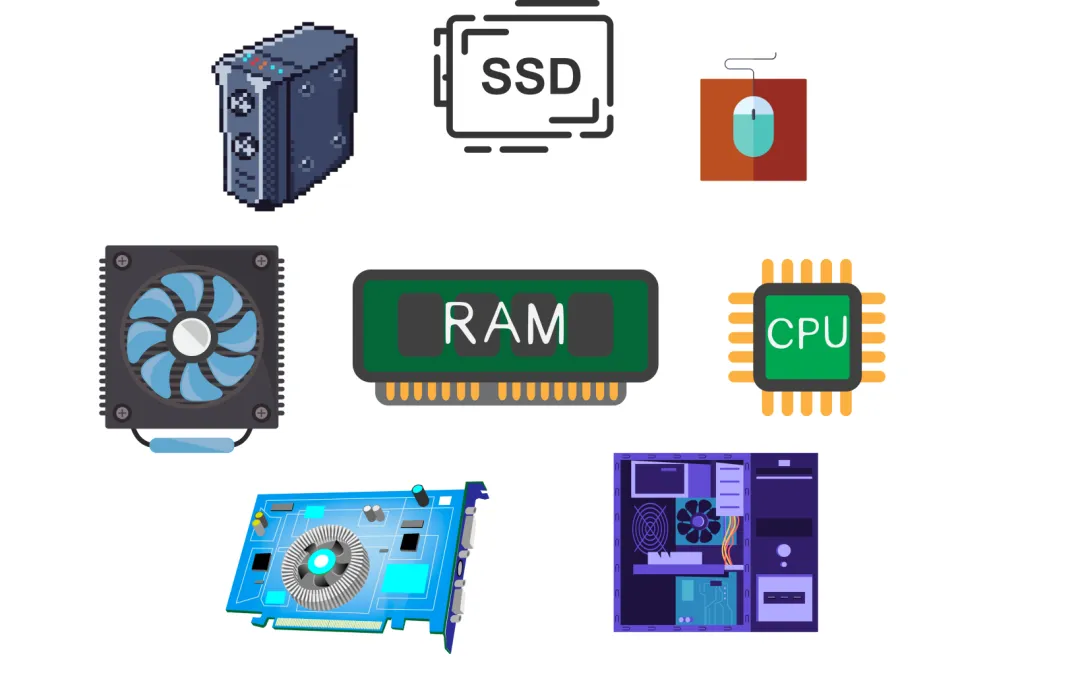
Building a PC is a calculated assembly of several key pillars: the CPU and Motherboard form the processing core, while RAM and Storage handle data speed and capacity. These are supported by a GPU for visual rendering and a Power Supply to energize the system, all housed within a Case designed for optimal airflow and cooling.

Learn more
gaming computer

Assembly Process

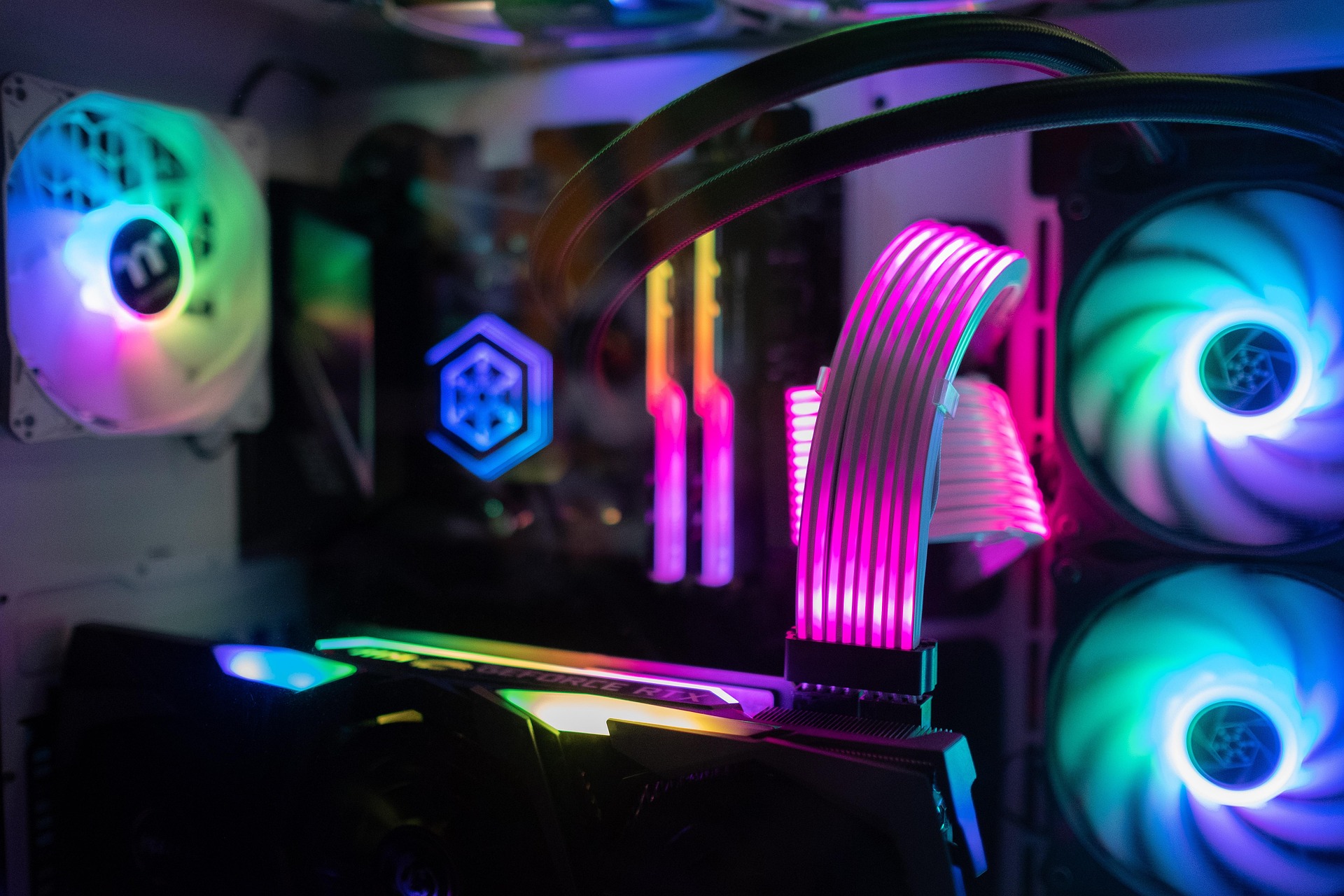
The assembly process begins with seating the CPU and RAM into the motherboard before installing the board into the chassis. Once the power supply and storage drives are secured, the GPU is slotted in, followed by the meticulous task of cable management to ensure clean aesthetics and unobstructed airflow for the cooling system.

Learn more
windows booting up

Testing

Once the build is complete, testing begins with a POST (Power-On Self-Test) to ensure the hardware initializes correctly and provides access to the BIOS. After confirming that all components are recognized, you perform a clean OS installation followed by stress testing and thermal monitoring to verify system stability under heavy workloads.

Learn more

THE BUILD JOURNEY

Building a custom PC is a rewarding blend of engineering and personal expression. From selecting the perfect silicon to the first successful boot, every step is an opportunity to create a machine tailored specifically to your professional needs or gaming ambitions.

all components for a computer

COMPONENT SELECTION

Choosing the right parts is the foundation of any successful build. By balancing the power of the CPU and GPU with a compatible Motherboard and high-speed RAM, you ensure your system has the performance overhead to handle today's most demanding software.

Learn more
pc being built

HARDWARE ASSEMBLY

The physical build is where your vision comes to life. Carefully seating the processor, managing the intricate cable runs for maximum airflow, and securing the cooling solution requires patience and precision to ensure long-term hardware health and system reliability.

Learn more
throttle meter

SYSTEM OPTIMIZATION

Once the hardware is set, the focus shifts to the digital environment. A clean OS installation followed by updating BIOS firmware and drivers ensures that your components communicate efficiently, unlocking the full speed and feature set of your modern hardware.

Learn more
computer under stress

STRESS TESTING

The final phase involves rigorous verification. Through thermal monitoring and benchmark loops, you can confirm that your cooling system is effective and your power delivery is stable, providing peace of mind that your PC is ready for any workload.

Learn more