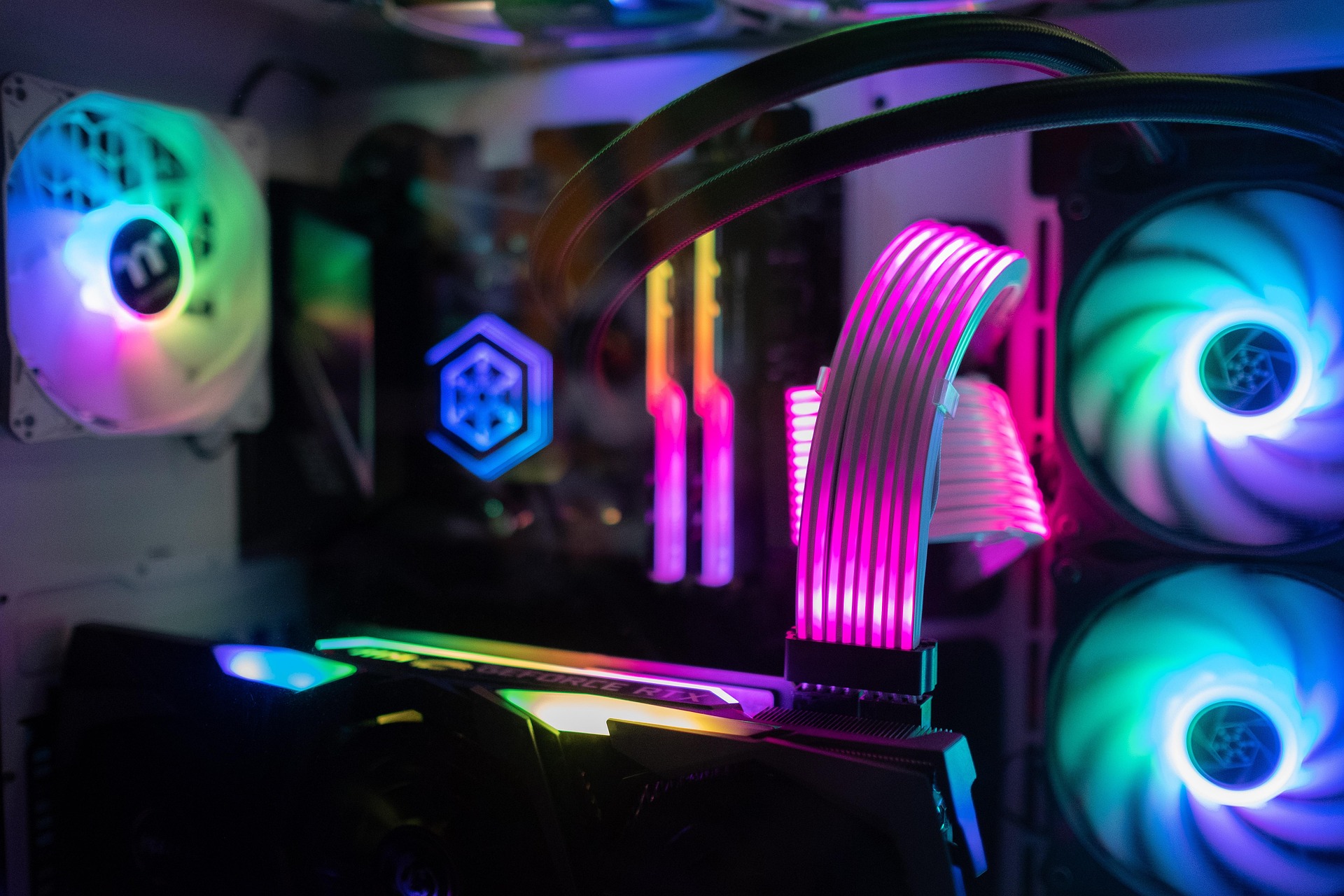
Putting the Parts Together
This page is going to show you how to start the physical assembly of your new computer after you have gathered all your parts. Before you begin, it is very important to find a clean and flat workspace with plenty of room to move around. You should also make sure you have a standard Phillips head screwdriver, as this is the only tool you will need for most modern computer builds. One of the biggest fears new builders have is static electricity, so it is a good idea to touch a metal object frequently or wear an anti-static wrist strap to protect your delicate parts. You will start by opening your computer case and installing the power supply and the motherboard. Taking your time during this initial setup phase is the best way to avoid mistakes that could lead to hardware damage or a system that will not turn on later.
Once the motherboard is inside the case, you can begin the exciting process of clicking your components into their slots. You will need to carefully line up the CPU with the socket and gently lower it into place without applying any force. After that, you will snap the RAM into the memory slots and mount your storage drives into the provided bays. The most time-consuming part for many people is cable management, which involves routing all the power wires behind the motherboard tray. This is not just to make the inside of the computer look pretty; it actually helps with airflow so that your fans can keep the system cool during heavy use. When all the wires are plugged in and tucked away, you are finally ready to close the side panel and move on to the testing phase.